
The reason some USB-C ports “just work” for video… and others don’t.
USB-C looks simple. One small, reversible connector that is supposed to handle power, data, and video all at once. But here’s the reality: not every USB-C port actually does all of that.
If you’ve ever plugged a USB-C cable into a display and nothing happened, you’ve already met the problem. And the answer usually comes down to one thing: DisplayPort Alternate Mode, or DP Alt Mode.
So… what is DP Alt Mode?
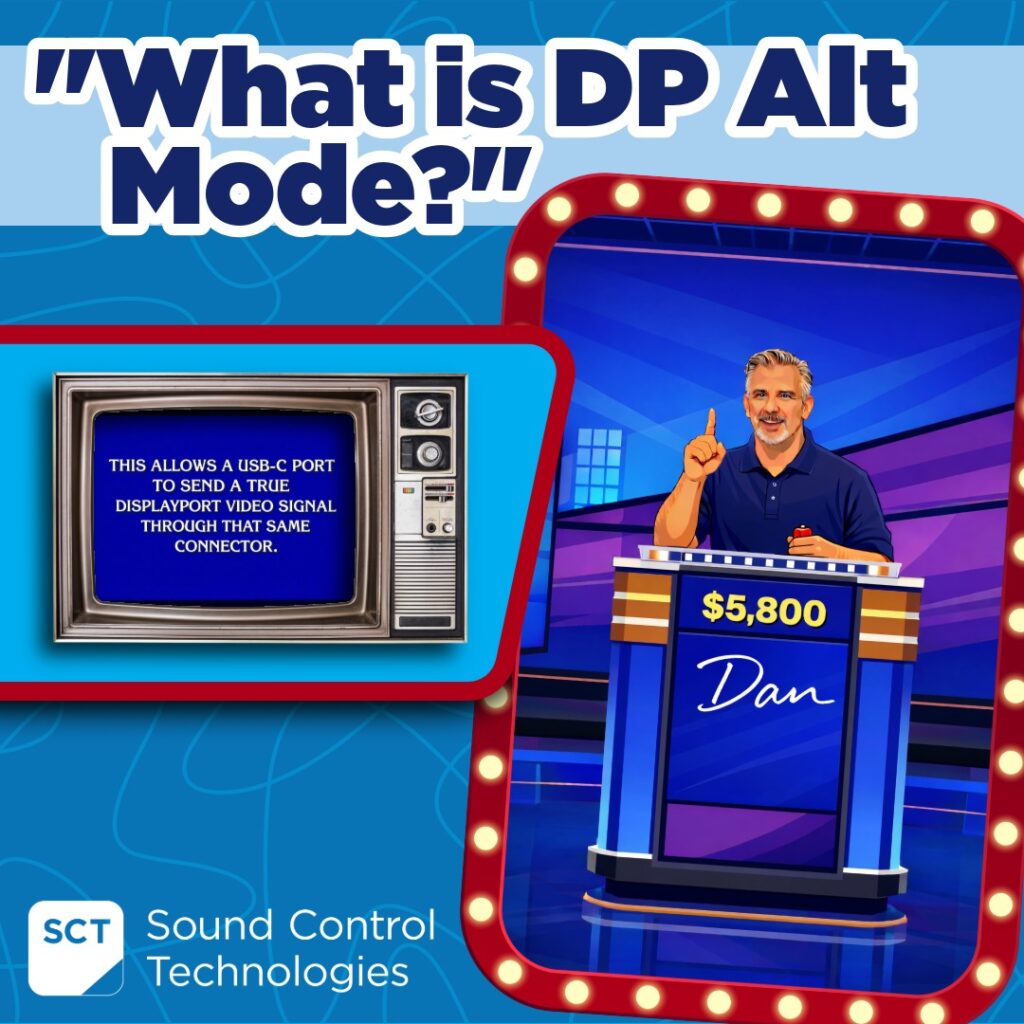
DP Alt Mode is what allows a USB-C port to send a true DisplayPort video signal through that same connector. It’s the same type of signal your graphics card sends directly to a monitor, just delivered through USB-C instead of a traditional DisplayPort or HDMI® cable.
That’s what makes single-cable video possible.
How it actually works
Inside every USB-C cable are high-speed data lanes. Normally, those lanes carry USB data like files, peripherals, or camera feeds. With DP Alt Mode, some of those lanes get reassigned to carry audio and video instead.
Think of it like a highway that can change direction depending on what’s needed.
Sometimes it’s moving data. Sometimes it’s moving pixels. That flexibility is what enables a single USB-C connection to:
- Drive a display
- Transfer USB data
- Deliver power to a device
All at the same time.
Why it matters in real-world AV
This is where things get interesting for meeting rooms and hybrid spaces.
DP Alt Mode is what makes clean, single-cable deployments possible. No extra HDMI® runs. No adapters hanging off the table. No guessing what connects to what. It’s also what helps reduce failure points. Fewer cables means fewer things that can go wrong.
And for integrators, it means faster installs and more predictable outcomes. Plug it in, and it works the way it should.
The catch (because there’s always one)
Not every USB-C port supports DP Alt Mode. That’s the part that trips people up. Just because a device has a USB-C port does not mean it can output video. Some ports only support data and charging.
So, if a display doesn’t light up, it’s not always the cable or the hardware. Sometimes the port simply doesn’t support DP Alt Mode. A couple quick tips:
- Look for a DisplayPort or Thunderbolt symbol next to the USB-C port
- Use a full-featured USB-C cable, not a charge-only cable
Where SCT fits in
At SCT, this is exactly the kind of real-world challenge we design around. Our solutions are built to take full advantage of DP Alt Mode, combining video, data, and power into a single, reliable connection that just works. Products like the USB-AMV and USB-PDI help extend that one-cable simplicity across meeting spaces without adding complexity or guesswork.
The bottom line
DP Alt Mode is one of the smartest parts of the USB-C ecosystem. It’s what turns a simple connector into a powerful, all-in-one solution for audio, video, data, and power. And when everything supports it the way it should, it feels effortless.
You plug it in… and it just works.
Looking for more information? Watch our DP Alt Mode video here: https://www.youtube.com/watch?v=9ThwfuV5L1g&t
 English
  Deutsch
  Español
  Polski
  Français